

Whether you’re building your first Weebly website or fixing one that’s been live for years, these tutorials walk you through it step by step.
You’ll find guides to the Weebly editor (including how to get back to the original editor with theme support), speeding up your site and passing Core Web Vitals, and fixes for common problems like the editor not loading or images that won’t upload.
It's official. Weebly is shutting down globally. Here's what to do if you have a Weebly site.


5 minutes
Struggling with your Weebly website's Core Web Vitals? Discover quick and simple techniques to fix Core Web Vitals in 2025.
15 minutes

Discover how lazy loading with the PageBoost plugin can dramatically speed up your image-heavy Weebly website.
3 minutes
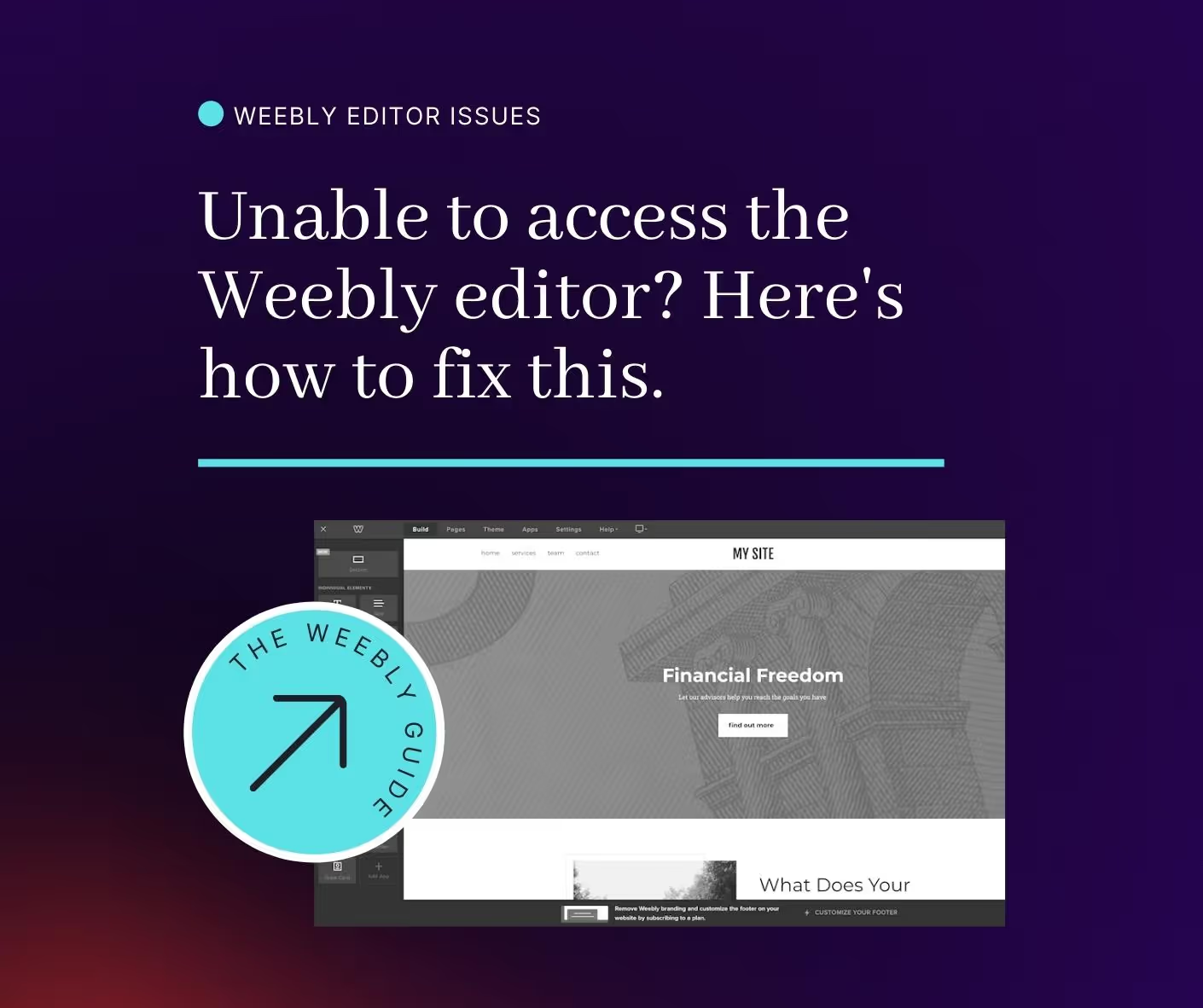
Weebly editor not loading? Here's how to quickly fix this common issue.
4 minutes
Having trouble uploading images in Weebly? No worries, here's how to fix this issue.
2 minutes
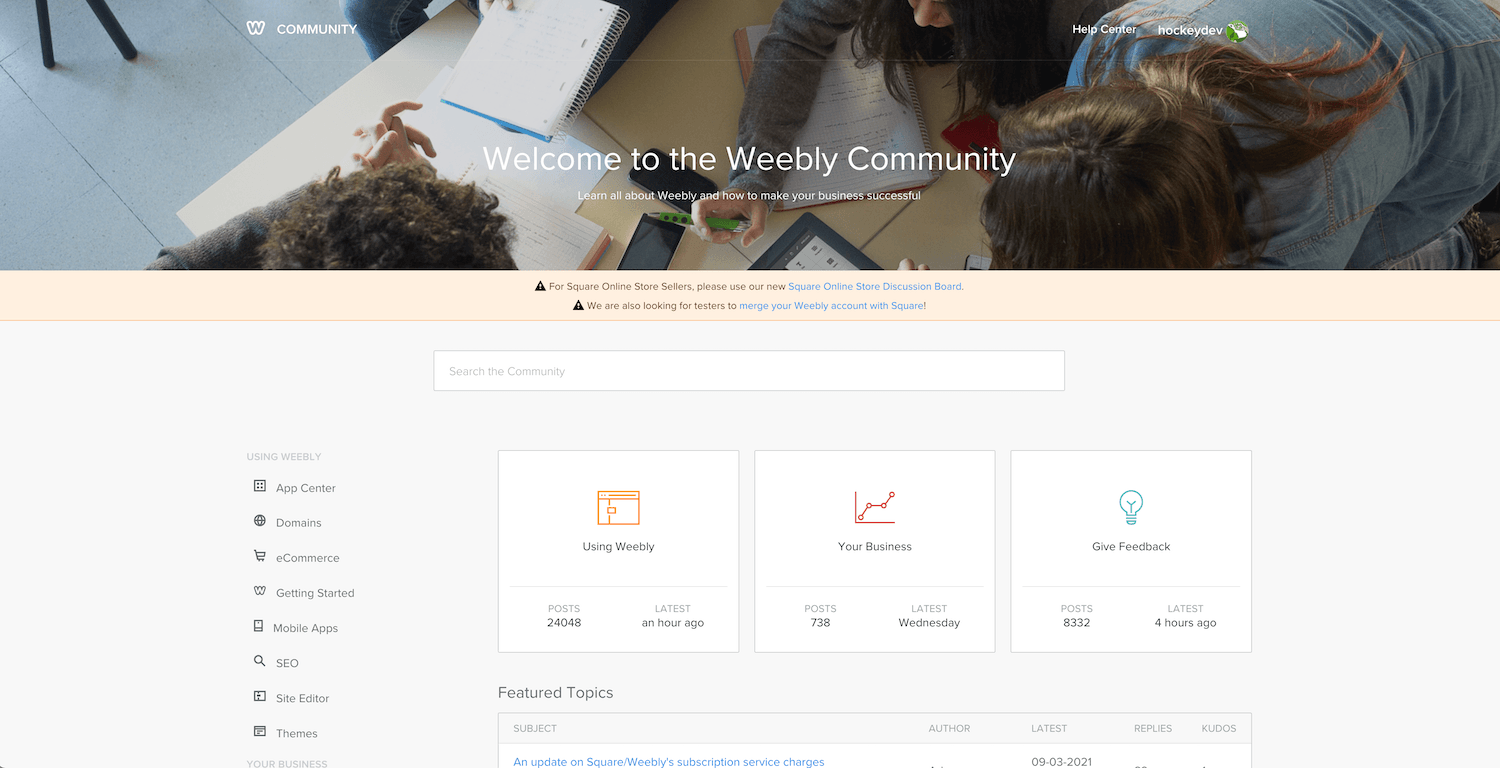
Can't seem to get ahold of Weebly support? Here's the best way to contact them in 2022.
3 minutes
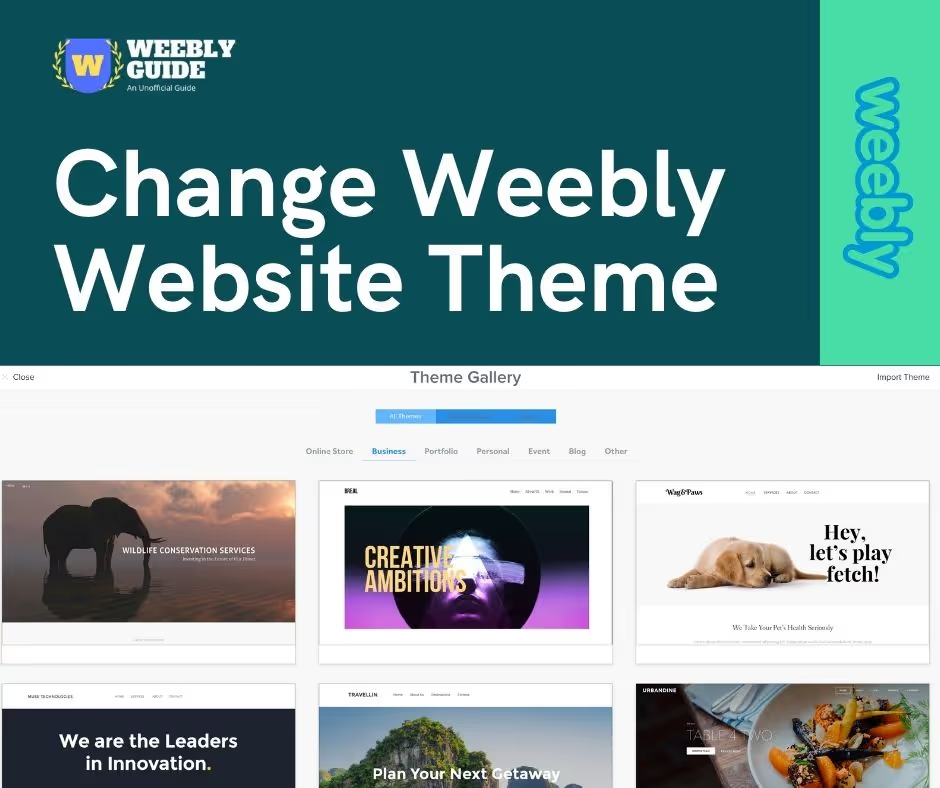
Here's how to change themes in Weebly
2 minutes
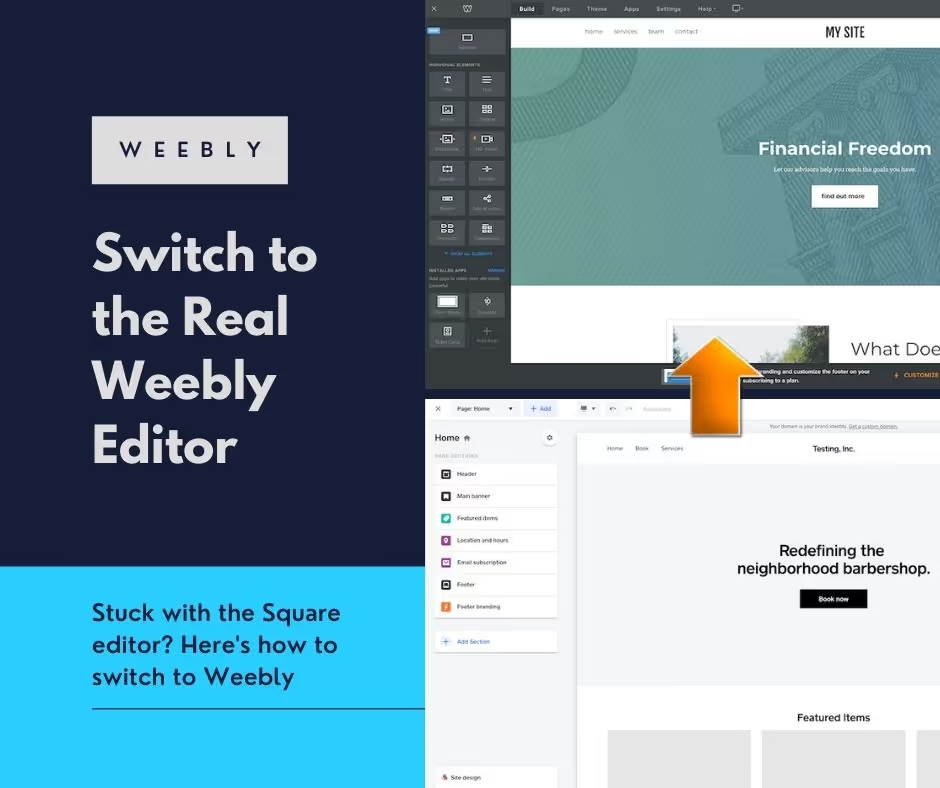
Stuck in the eCommerce-focused Square editor? Here's how to switch to the original Weebly editor that supports themes?
3 minutes
After trying out virtually every major website builder, I have concluded that Weebly is still the best even in 2021. Here's why.
20 minutes
Weebly is an incredibly powerful builder but very few people know how to truly use all its features. Here's how to use them.
5 minutes
Do you have the all-white Weebly editor with no theme support? Here's what's going on and how to revert back to the original.
5 minutes
Request a Course/Tutorial!
Want to know how to do something in Weebly? Request a tutorial!