

Subscribe to My Newsletter for Weebly Tutorials, Tips, and News!
Is Weebly Shutting Down? Here's What You Need to Know
Quick answer
The short answer: Weebly has already shut down in 67 countries and it'll likely shut down globally soon, but a concrete date has not been provided yet. Regardless, it's important to migrate ASAP. The good news is Lumify (www.lumifysites.com) is the "modern" version of Weebly and offers one-click migration. It's the best place to migrate your Weebly site to.
All Good Things Must Come to an End
Well. It’s the end of an era, guys. I can’t believe I’m writing this.
Weebly is entering its end of life. The builder that revolutionized web design has shut down in 67 countries, and it’s going to be shut down globally at some point.
Many of us saw the writing on the wall back in 2020, when Square (the guys who purchased Weebly) stopped publishing updates for the platform.
I started TheWeeblyGuide back in 2013. I was so active in the Weebly community. I built sites, themes, apps, and more.
You know why Weebly is truly a remarkable platform? It’s the fact that, ten years after its last major update (in 2016), hundreds of thousands of people are still using it. It goes to show how powerful and ahead of its time this platform truly is.
But it’s not all doom and gloom. There’s a team building the future of Weebly: what Weebly could’ve looked like if they had continued development. And it’s the best website builder I’ve ever used.
First off, the important stuff.
I have a Weebly site. What should I do?
If you have a Weebly site, it’s important that you migrate it somewhere ASAP.
You’re in luck, though. A new website builder called Lumify just launched, and it offers one-click Weebly migration.
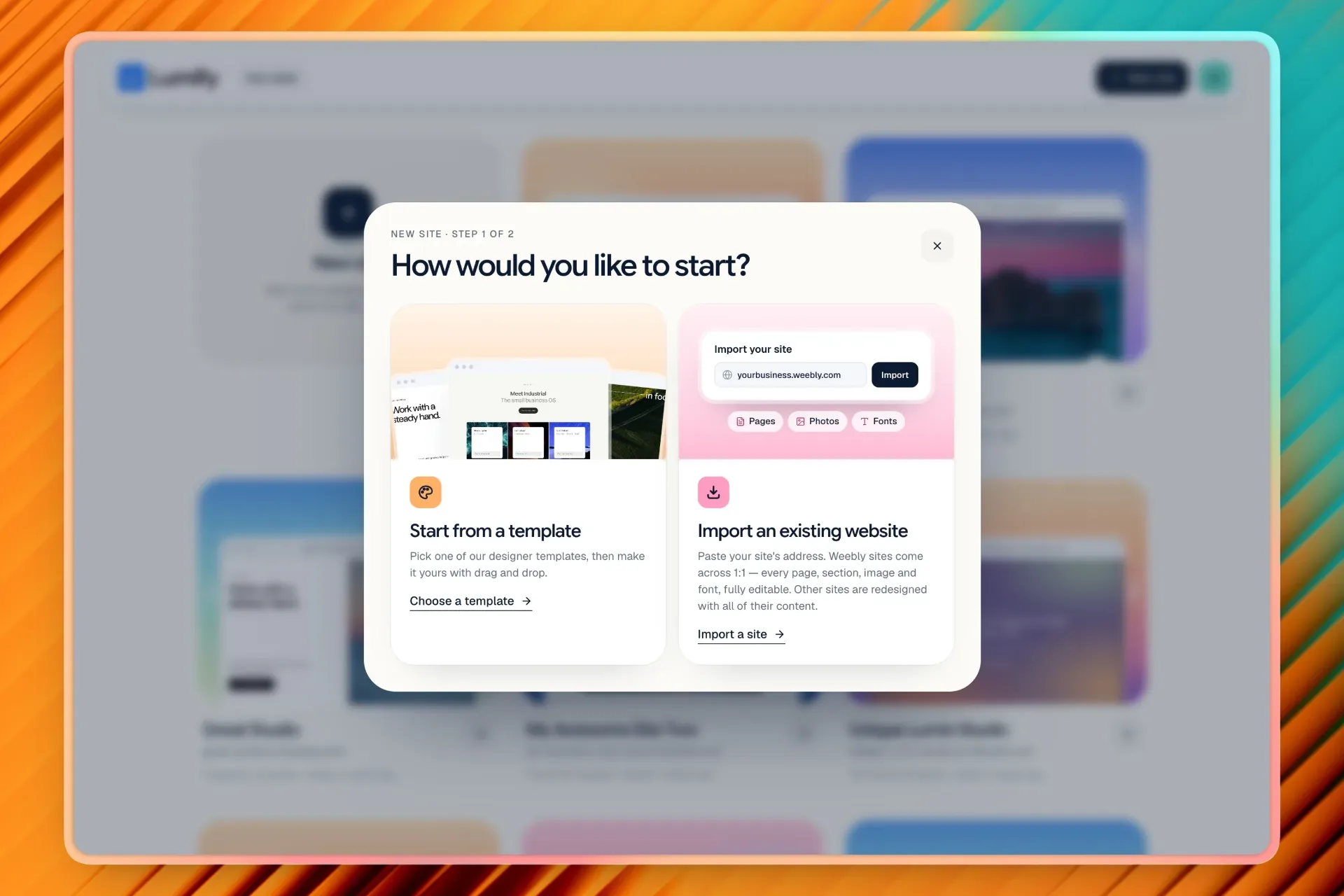
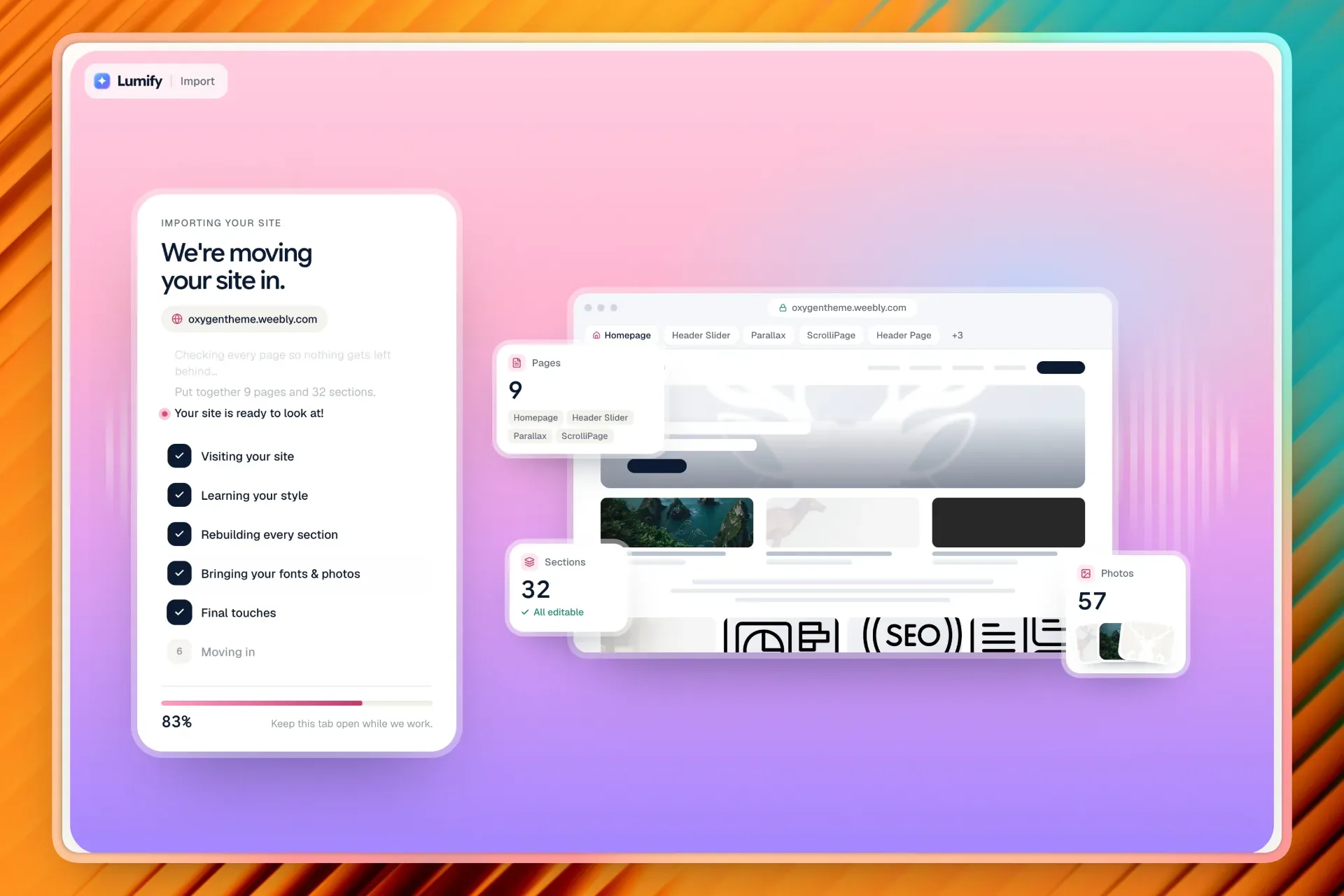
The team at Lumify (more on them below) built a system that lets you migrate your entire Weebly site in just one click, even if it’s running a non-default theme.
I’ve tested dozens of website builders, and Lumify is by far the most similar to Weebly (albeit more powerful). If you’ve used Weebly before, there really isn’t much of a learning curve to using Lumify.
The story of how Lumify came to be is quite impressive.
Lumify: A next-generation website builder that blew me away
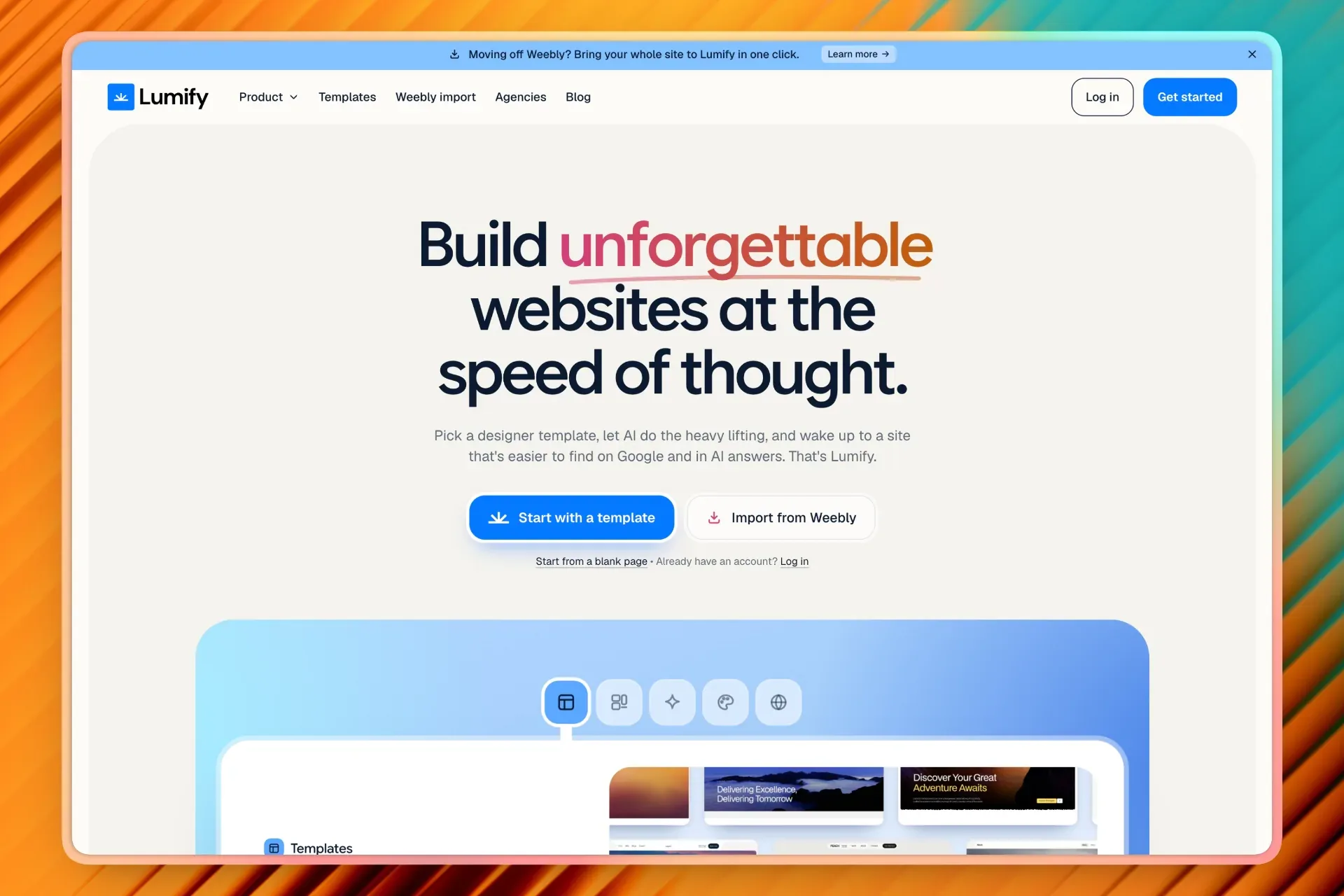
I hadn’t heard about Lumify until a few months ago, when their team reached out to me.
They said they loved what I did for the Weebly community, and that they were Weebly enthusiasts who foresaw the end of Weebly and decided to build their own website builder that carries Weebly’s ethos into the future.
I was super excited, and they gave me beta access.
Guys. I was blown away.
Look. I’ve used other website builders before. Extensively. I’ve used Squarespace, Wix, GoDaddy, Webflow, the whole nine yards.
Believe me when I say Lumify is the most impressive website builder I’ve ever used. They nailed it.
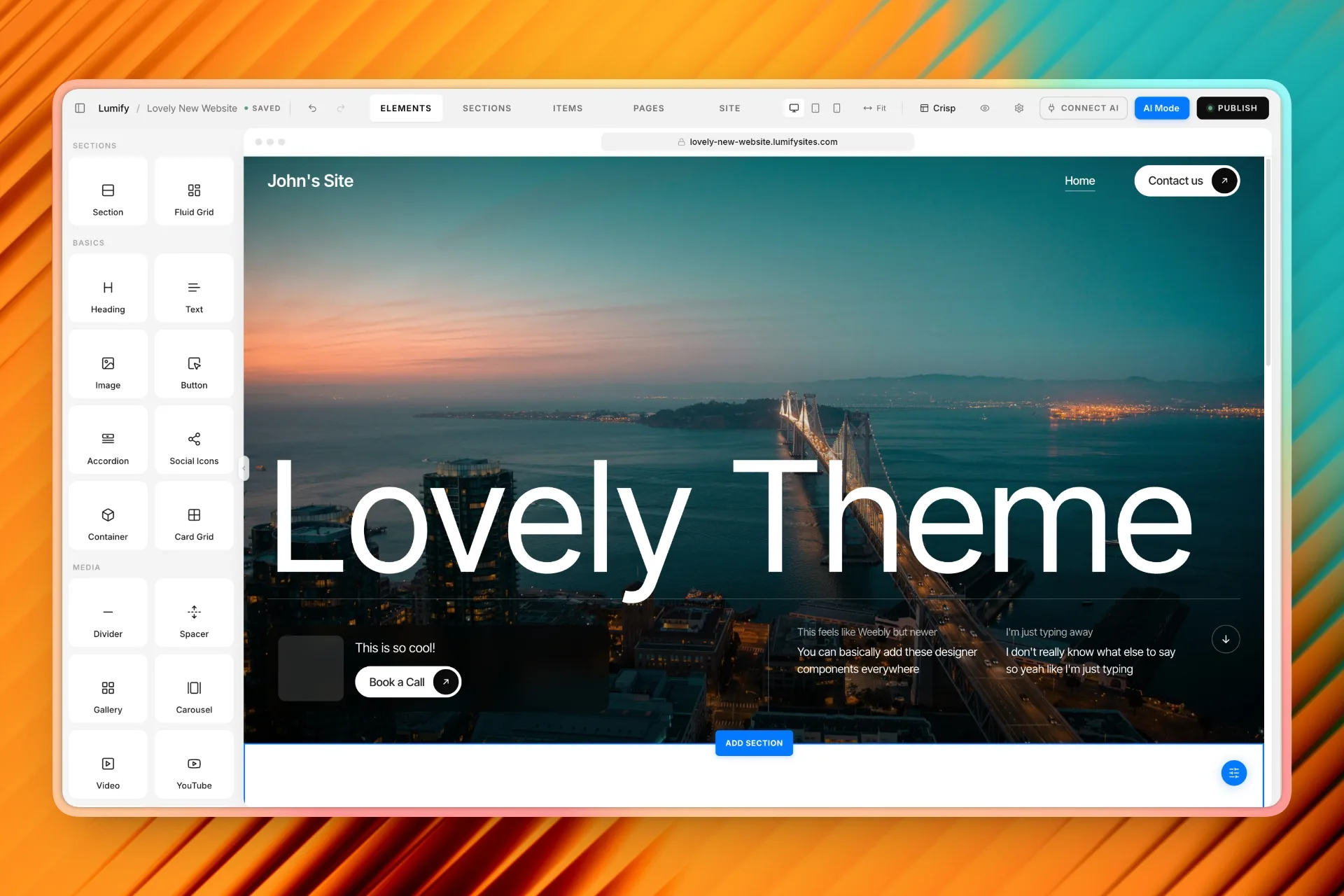
It’s very similar to Weebly. The interface is very similar, and it’s got nice drag-and-drop. But it’s like a more modern version of Weebly, with features that not even Squarespace or Wix have yet.
First, the templates. They went insane on the website templates. They’re super high quality. Very designer-esque. Plus, each template comes with an entire collection of prebuilt sections that you can customize. Their free templates are much higher quality than any others I’ve seen.
Second, AI. Okay, AI is a polarizing topic. I’ve used AI, and I know that it tends to generate slop. But the way Lumify infused AI into their platform is genius.
Basically, Lumify lets you edit your website in two ways. You can drag and drop and click on menus, just like in Weebly. But sometimes you just want to tell the AI, “Customize this to make it look like XYZ,” and have it do it.
They have “AI Mode,” where you basically click on an element or a section and ask for whatever you want: make this section look more vivid, redesign this section, etc.
And because your brand and template are visible to the AI, the system generates designs and aesthetics that are in line with your website design. So no AI slop.
What else? Man, I could go on and on. They’ve built in an insane analytics panel, so you don’t even need Google Analytics. You can build insanely nice forms. They have an “AI Redesign” feature that lets you convert handmade sections into beautiful designer sections while retaining your content.
Oh, and one click Weebly import. Like I said.
It’s all hosted on Cloudflare, so you get really good SEO and AEO, too. They’re also adding a bunch of new features, like an AI marketing professional that audits your website while you sleep and surfaces recommendations for you.
If you’re interested in checking it out, visit www.lumifysites.com.
The builder might still be in beta, with a waitlist, when you’re reading this. If so, you can email me at theweeblyguide@gmail.com and I’ll try to get you in. I’m in their beta program so I can pull some strings.
Frequently asked questions
I run a web design agency on Weebly. I have hundreds of clients. What do I do.
Don't panic! I know it's a stressful situation. First, do not migrate these sites manually. I know from experience that if you don't migrate a tiny piece of content over correctly, or mess up on metadata, your website SEO will take a hit. Instead, use an automated solution. I've been migrating all my clients to Lumify using their Weebly to Lumify website importer. It's free. Learn more here: https://lumifysites.com/weebly-import
Where should I migrate my Weebly website to?
I'd recommend Lumify (www.lumifysites.com). They are by far the closest website builder to Weebly, and are the best home for ex-Weebly users. If you know how to use Weebly, you'll know how to use Lumify. They have a one-click migration tool.
Do I have to rebuild my Weebly website from scratch on another platform?
No! Don't do that! It's risky because if you rebuild your Weebly website and get one piece of metadata wrong, your SEO can take a big hit. Instead, I recommend going with Lumify (www.lumifysites.com) as their website builder has a tool that lets you migrate your Weebly website in one click.
What sorts of stuff did you do in the Weebly community?
A bunch! In 2013 I opened up a Weebly web design agency, and still run that to this day. I've built almost a thousand sites for clients (not even exaggerating). I also made apps in the App Store.
How much of a learning curve is there with Lumify vs Weebly?
If you've used Weebly, none at all. Lumify does have some modern features like AI mode, but all in all if you've used Weebly, you'll understand how to use Lumify. It's one of the greatest strengths of that platform.

Request a Course/Tutorial!
Want to know how to do something in Weebly? Request a tutorial!


Comments